0 ratings







Item #:
91194527
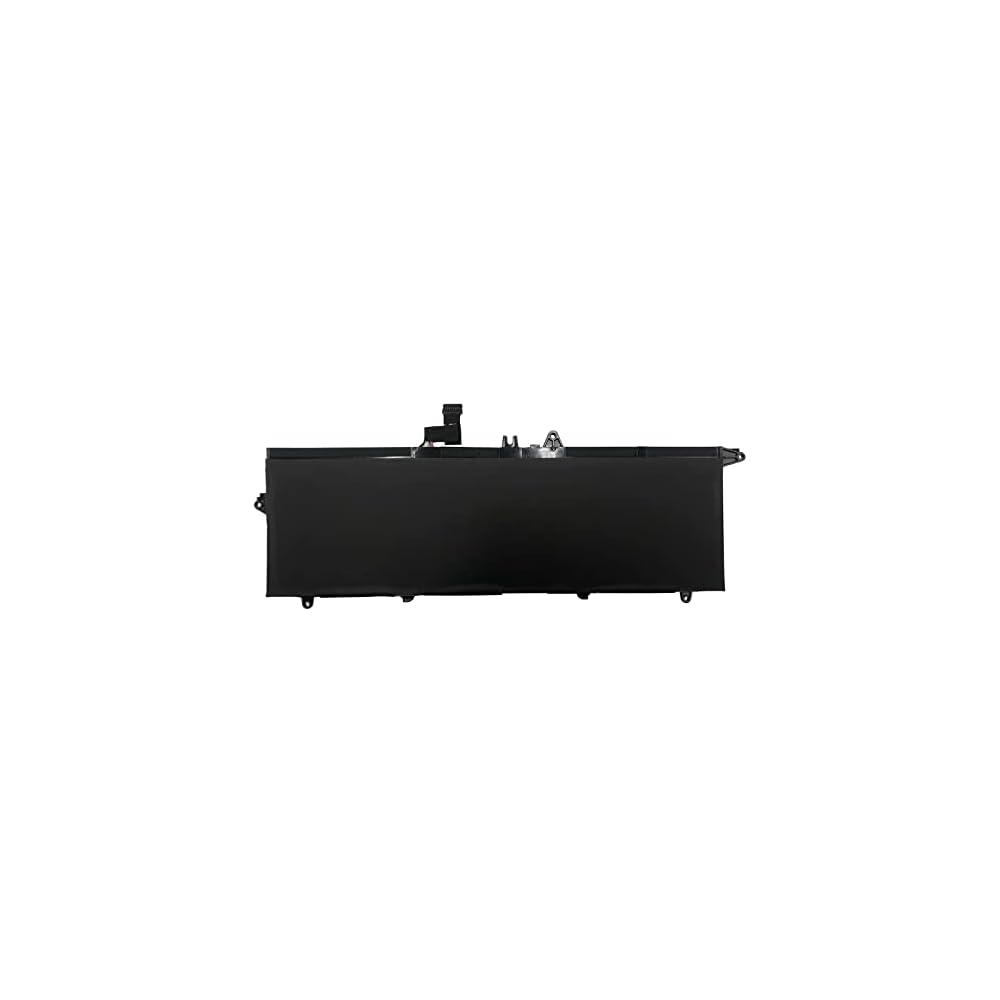
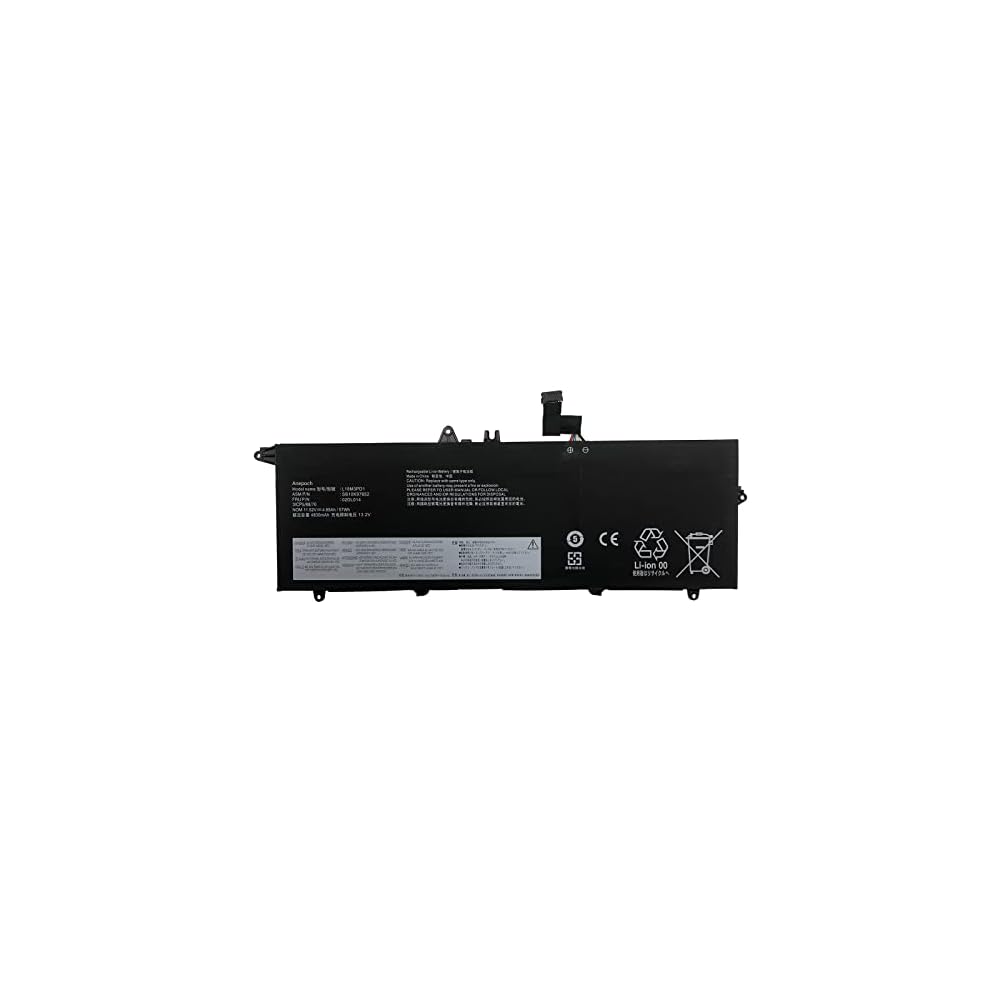
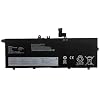
L18M3PD1 02DL014 Laptop Battery Replacement for Lenovo Thinkpad T14S T490S T495S Series 02DL013 02DL015 02DL016 L18L3PD1 L18C3PD1 5B10W13911 L18C3PD2
Item #:
91194527
AUD 95
Price Details
Excluding Shipping & Custom charges ( Shipping and custom charges will be calculated on checkout )
*All items will import from US
0 ratings
Write a review
In stock
 Imported from USA store
QTY:
Order now and get it around Wednesday, June 24
Secured transaction
Ubuy works hard to protect your security and privacy. Our advanced payment security system ensures confidentiality by encrypting your information during transmission using AES (Advanced Encryption Standards) and SSL (Secure Socket Layer) protocols. Your payment details are 100% secure as we do not share your payment details with third party sellers.
Our Top Logistics Partners


We aim to provide products of great value for our customers and give you a longer life battery.

Fast
Shipping

Free
Return*

Secure Packaging

100% Original Products

PCI DSS Compliance

ISO 27001 Certified


Note: Step Down Voltage Transformer required for using electronics products of US store (110-120). Recommended power converters Buy Now.


What Stands Out
High Capacity
With a robust 57Wh capacity and 4830mAh, this battery provides extended usage, allowing Lenovo ThinkPad users to stay productive without frequent recharging.
Compatible Design
Engineered specifically for Lenovo ThinkPad T14S and T490S series, ensuring perfect fit and seamless installation, thus reducing downtime and enhancing user experience.
Reliable Performance
Delivers consistent power supply at 11.52V, ensuring your laptop operates efficiently. This battery replacement maintains performance levels comparable to original specifications.
Product Details
- 【Model】: L18M3PD1 ; Voltage: 11.52V ; Capacity: 57Wh 4830mAh.
- 【Replacement for Part Number】: L18M3PD1 L18M3PD2 SB10K97651 SB10K97652 SB10K97653 SB10T83152 SB10T83153 SB10T83154 SB10T83198 02DL013 02DL014 02DL015 3ICP5/88/73 5B10W13909 5B10W13910 5B10W13911 5B10W13955 L18C3PD2 L18L3PD1.
- 【Compatible Models】: For Lenovo ThinkPad T14S T490S T495S Series Notebook.
- 【Security】: All Anepoch products are Certified by CE, FCC for safety. Strict guidelines for compatibility, and standards compliance for environment safety.
- 【Support】: 24 x 7 Email support, Rest assured with 30 days Refund,12 months Replacement,,if there is any problem, please feel free to contact me and I will solve it for you immediately.
| Number of Batteries | 1 Lithium Ion batteries required. (included) |
| Brand | Anepoch |
| Model Number | L18M3PD1 |
| Model Name | l18m3pd1 |
| Manufacturer | Anepoch |
| Battery Capacity | 4830 Milliamp Hours |
| Voltage | 11.52 Volts |
| Reusability | Rechargeable |
| Unit Count | 1.0 Count |
| Battery Weight | 300 Grams |
| Antenna Location | Laptop |
| Battery Cell Type | Lithium Ion |
| Battery Cell Composition | Lithium Ion |
| Recommended Uses For Product | Laptop |
Dangerous Goods
To avoid the delay in customs clearance process for Dangerous Goods, the shipment shall be opened at our warehouse facility to check the severity of hazardous components. Please see the list of Dangerous goods here.
Who Should Buy?

-
Business Professionals
Ideal for professionals needing reliable battery life for long hours of work on Lenovo Thinkpad models.
-
Students
Great for students who require portable power for studying or attending classes without frequent recharging.
-
Tech Enthusiasts
Suited for tech enthusiasts who upgrade their laptop's battery for better performance and longevity.

-
Casual Users
Not ideal for casual users who do basic tasks and may not need a high-performance battery replacement.
-
Gaming Users
Gamers may find this battery insufficient for high-performance gaming sessions, requiring more power and longevity.
-
Older Laptop Models
Not suitable for laptops outside the Lenovo Thinkpad series specified, which require different batteries and specifications.
Product Description
Have any Query? Chat with us
Customer Questions & Answers
-
Question:
What laptops are compatible with the L18M3PD1 02DL014 battery?
Answer: The L18M3PD1 02DL014 battery is specifically designed for the Lenovo ThinkPad T14S, T490S, and T495S series. This includes various models such as 02DL013, 02DL015, and 02DL016, making it an ideal replacement option for users looking to restore their laptop's performance. Compatibility ensures that you can replace your old battery without issues, allowing you to maintain seamless productivity and extended operation times. -
Question:
How do I properly install the L18M3PD1 02DL014 battery?
Answer: To install the L18M3PD1 02DL014 battery, first power off your laptop and disconnect it from any power source. Then, gently remove the back cover of your ThinkPad using a suitable screwdriver. Locate the battery compartment, and disconnect the old battery before placing the new one in. Ensure it's securely connected and replace the back cover. Following these steps, you'll effectively upgrade your laptop's power supply for enhanced functionality. -
Question:
What are the benefits of using a replacement battery like the L18M3PD1?
Answer: Using a replacement battery like the L18M3PD1 offers several advantages. It helps restore your laptop's portability by providing reliable power, which is crucial for users on the go. Additionally, a fresh battery can enhance performance, allowing for longer usage time between charges. This is particularly beneficial for professionals or students who require efficient and dependable computing without interruptions. -
Question:
Are there any precautions to take when using the L18M3PD1 battery?
Answer: When utilizing the L18M3PD1 battery, it's essential to monitor your laptop's temperature as overheating can affect battery life. Avoid using the laptop on soft surfaces to ensure proper ventilation. Regularly check for software updates, as they can enhance battery management and performance. By following these precautions, you can maximize the lifespan and functionality of your replacement battery. -
Question:
How can I extend the lifespan of my L18M3PD1 battery?
Answer: To extend the lifespan of your L18M3PD1 battery, consider adjusting your power settings to optimize performance. Lowering screen brightness and disabling unused peripherals can conserve energy. Additionally, avoid keeping your laptop plugged in all the time, as this can lead to battery degradation. Regularly performing battery calibration can also ensure that it maintains optimal performance over time. -
Question:
What is the typical charging time for the L18M3PD1 battery?
Answer: The charging time for the L18M3PD1 battery may vary based on your laptop and usage conditions. However, on average, it can take anywhere from 2 to 4 hours to achieve a full charge from a low power state. Ensuring that you're using the original power adapter can help improve charging efficiency. Knowing the typical charging time helps you plan your work sessions more effectively. -
Question:
Is it safe to leave my L18M3PD1 battery plugged in overnight?
Answer: While many modern laptops have built-in mechanisms to prevent overcharging, it is generally advisable not to leave your L18M3PD1 battery plugged in for prolonged periods, such as overnight. Continuous charging can generate excess heat and potentially reduce the overall lifespan of the battery. Rather, unplugging once fully charged can help maintain optimal battery health. -
Question:
Where can I buy the L18M3PD1 02DL014 Laptop Battery Replacement?
Answer: You can buy the L18M3PD1 02DL014 Laptop Battery Replacement at Ubuy in Nauru. Ubuy provides a reliable online platform for purchasing high-quality replacement batteries, ensuring you find the right match for your Lenovo ThinkPad models. Their extensive selection and customer-focused approach make it a convenient choice for securing your laptop's power needs. -
Question:
What should I do if my L18M3PD1 battery won’t charge?
Answer: If your L18M3PD1 battery isn't charging, first check the power adapter to ensure it's functioning properly. Inspect the battery connections to make sure they are secure and free from debris. Additionally, try removing the battery and reinserting it after a few moments. If issues persist, there may be a need to troubleshoot software settings or altogether consider a replacement. -
Question:
Can I use a different battery model instead of the L18M3PD1?
Answer: Using a different battery model might seem like an option, but it is crucial to select a battery that is explicitly compatible with your laptop model, such as the L18M3PD1. Choosing an incompatible battery can lead to performance issues, or even damage your device. Always consult your laptop’s specifications or manufacturer guidelines to ensure proper fit and functionality.
Anepoch Batteries L18M3PD1 Editorial Review
No editorial reviews found
Customer Reviews & Ratings
17 customers ratings
-
5 Star
76%
-
4 Star
8%
-
3 Star
8%
-
2 Star
8%
-
1 Star
0%
Review this product
Share your thoughts with other customers
Pros
- High compatibility with models
- Long battery life
- Easy installation process
- Reliable performance
- Good customer support
Cons
- Slightly heavier than original battery.
Product Price History
Important information
- Limitations : For products shipped internationally, please note that any manufacturer warranty may not be valid; manufacturer service options may not be available; product manuals, instructions, and safety warnings may not be in destination country languages; the products (and accompanying materials) may not be designed in accordance with destination country standards, specifications, and labeling requirements; and the products may not conform to destination country voltage and other electrical standards (requiring use of an adapter or converter if appropriate). The recipient is responsible for assuring that the product can be lawfully imported to the destination country. When ordering from Ubuy or its affiliates, the recipient is the importer of record and must comply with all laws and regulations of the destination country.
- Not all the products listed on Ubuy are for sale, as Ubuy is a global search engine. Products are subject to export/trade regulations.
AUD 95
Order now and get it around Wednesday, June 24
This item is not restrict in my country.(Please click on above link if this item is not restrict in your country, So our team will review and allow.)
QTY:
Secured transaction
Ubuy works hard to protect your security and privacy. Our advanced payment security system ensures confidentiality by encrypting your information during transmission using AES (Advanced Encryption Standards) and SSL (Secure Socket Layer) protocols. Your payment details are 100% secure as we do not share your payment details with third party sellers.
Our Top Logistics Partners
Fastest cross-border delivery
Features & Benefits
- High-quality and reliable laptop and tablet batteries.
- Brand new, Grade A cell batteries with rigorous testing.
- Compatible with various Lenovo ThinkPad models.
- Includes tools for easy installation.
- Safety certified by CE and FCC.
- Designed for maximum lithium-ion capacity and longevity.